Some receipts include barcodes for transaction identification. Barcodes allow systems to scan receipts quickly.
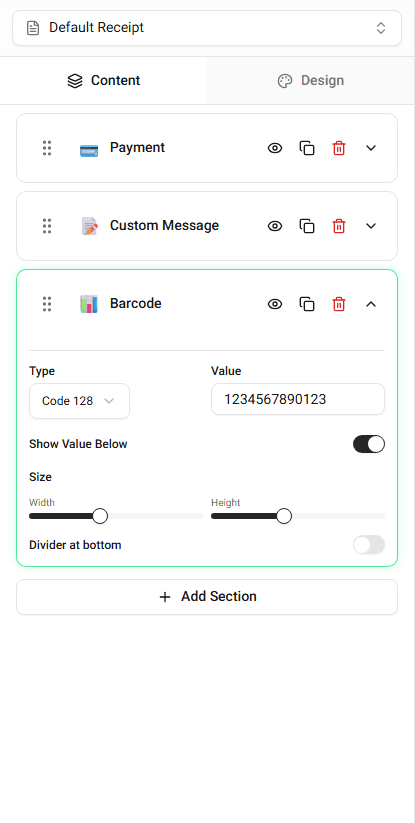
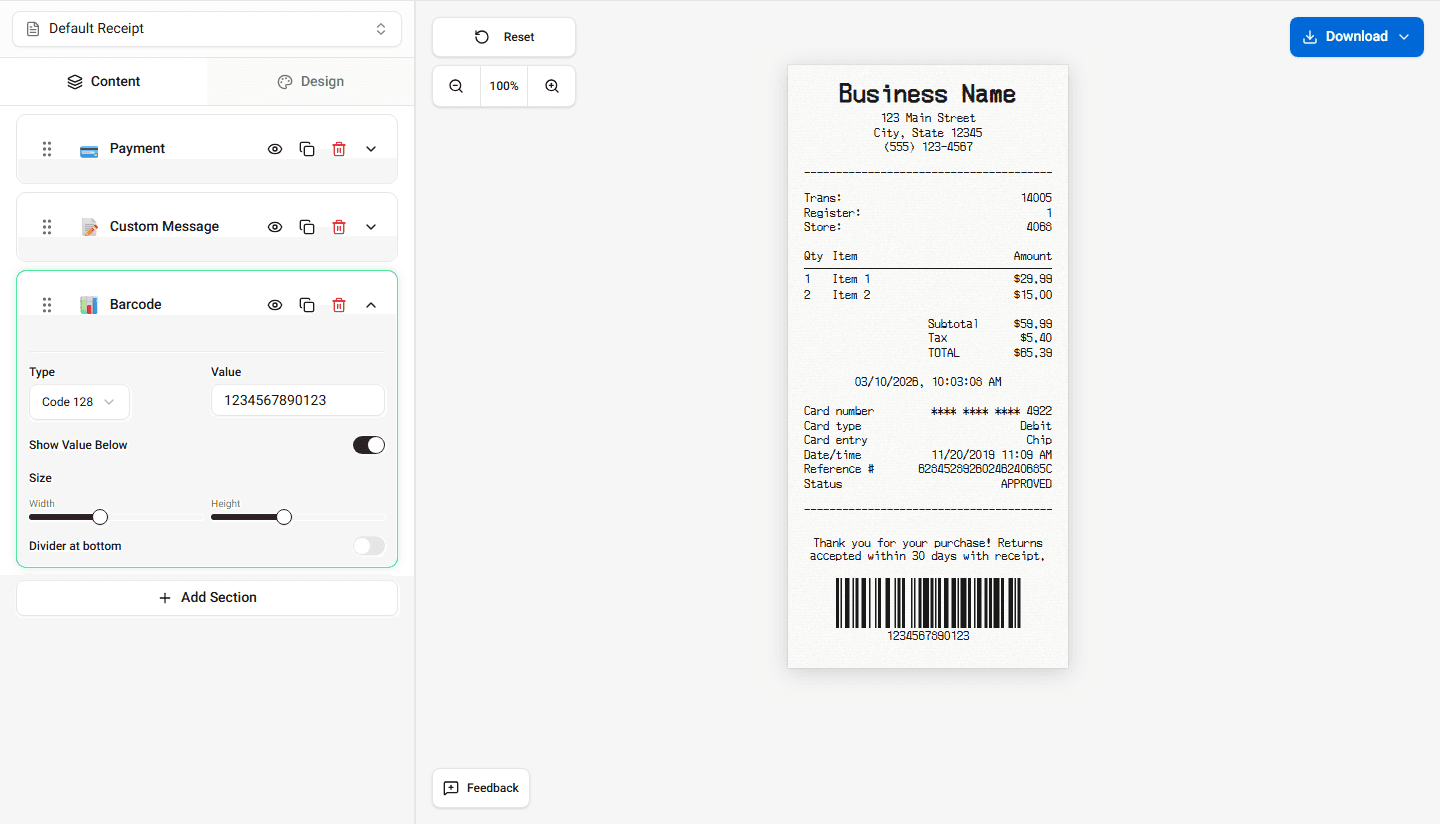
Receipt Maker allows you to display a barcode on the receipt.
Where Barcodes Appear
Barcodes usually appear near the bottom of the receipt.
They may represent:
- transaction ID
- order number
- receipt number
Adding a Barcode
To add a barcode:
-
Open the Barcode section.
-
Enter the value that should be encoded.
-
The barcode will appear in the receipt preview.
Editing Barcode Values
You can update the barcode value at any time.
When the value changes, the barcode will update automatically.
When Barcodes Are Used
Barcodes are commonly used to:
- track transactions
- process returns
- identify receipts in POS systems
Summary
Barcodes allow receipts to be scanned and identified quickly. You can add a barcode by entering a value in the barcode section.
Last updated on