Receipts usually display the time when a transaction occurred. This helps identify the exact moment a purchase was processed.
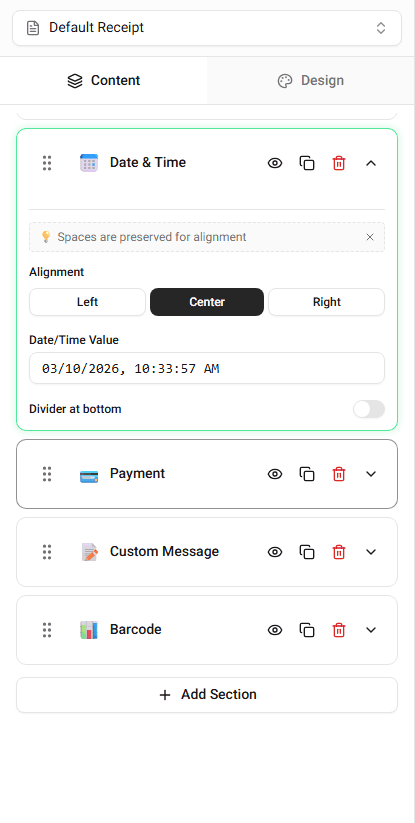
You can edit the transaction time directly in the builder.
Where Time Appears on the Receipt
The time usually appears near the transaction date.
It is typically displayed alongside:
- date
- receipt number
- terminal information
The placement depends on the selected template.
Editing the Time
To change the transaction time:
-
Locate the Time field in the builder.
-
Enter the time you want displayed.
The receipt preview will update immediately.
Time Formatting
Templates may use different time formats.
Common formats include:
- 12-hour time (3:45 PM)
- 24-hour time (15:45)
The template determines which format is used.
Summary
Transaction time indicates when the purchase occurred. Updating the time field changes the value shown on the receipt preview.
Last updated on