Many receipts include discounts applied to the purchase. Receipt Maker allows you to add a discount row in the totals section.
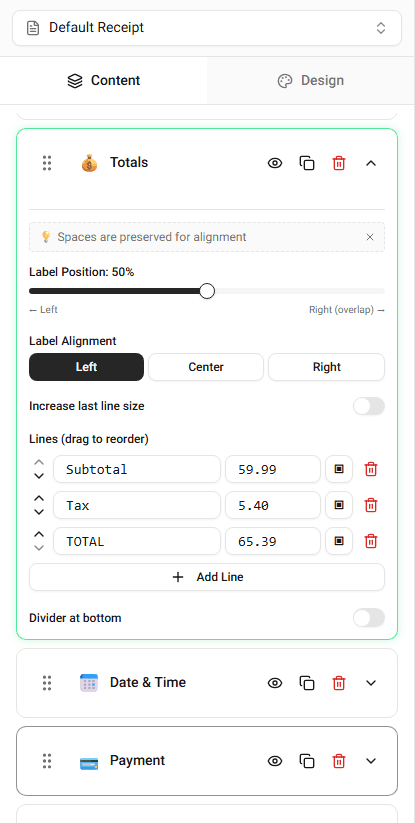
Discounts usually appear between the subtotal and the final total.
Where Discounts Appear
Discount rows appear in the totals section.
They typically display:
- discount label
- discount amount
The discount reduces the final total shown on the receipt.
Adding a Discount
To add a discount:
-
Open the Totals section.
-
Add a new row labeled Discount.
-
Enter the discount amount.
The preview will immediately reflect the updated total.
Editing a Discount
You can adjust the discount value at any time.
Simply change the value in the totals section and the receipt preview will update.
Summary
Discounts allow you to reduce the purchase total. You add them in the totals section and the receipt preview updates instantly.
Last updated on