Many receipts include a register number. This number identifies the cash register or checkout station used during the purchase.
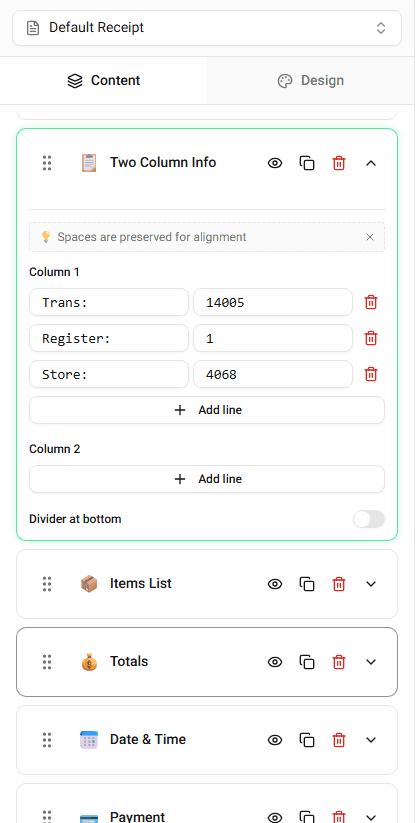
Receipt Maker allows you to edit the register number directly in the builder.
Where the Register Number Appears
The register number usually appears in the transaction details section.
It is commonly displayed near:
- receipt number
- terminal information
- cashier information
The exact position depends on the template.
Editing the Register Number
To change the register number:
-
Locate the Register Number field in the builder.
-
Enter the number you want displayed.
The receipt preview will update immediately.
Why Register Numbers Are Used
Register numbers help businesses track where transactions occur inside the store.
They are commonly used for:
- store reporting
- employee accountability
- transaction tracking
Summary
The register number identifies the checkout station used during the purchase. You can edit this value directly in the transaction details section.