Some receipts include product identifiers such as SKUs or product codes. These codes help identify specific products.
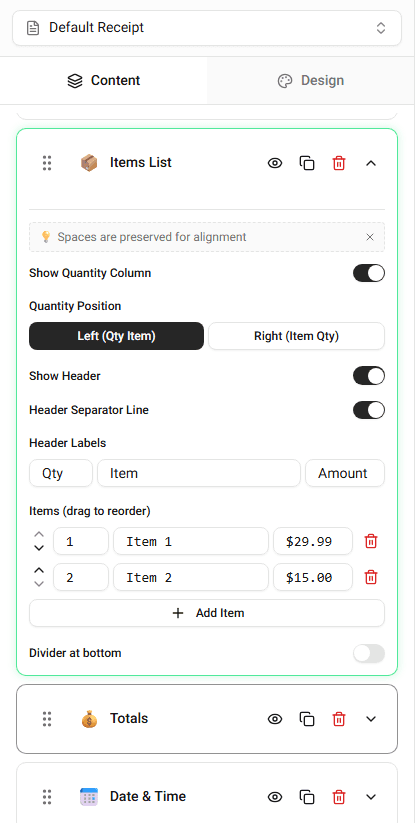
You can add product codes when editing items in the builder.
What Is a Product Code
A product code (or SKU) is an identifier used to track products.
Examples include:
- SKU numbers
- internal product codes
- inventory identifiers
These values usually appear next to the item name.
Adding a Product Code
To add a product code:
-
Open the Items List section.
-
Locate the item you want to edit.
-
Enter the value in the Product Code or SKU field.
The code will appear in the receipt preview.
When Product Codes Are Useful
Product codes are commonly used when:
- identifying inventory items
- tracking purchases
- recreating store-style receipts
Summary
Product codes help identify specific items. You can add a SKU or product code when editing items in the Items List section.
Last updated on