Some receipts include an order number. This identifier is commonly used for online orders or pickup transactions.
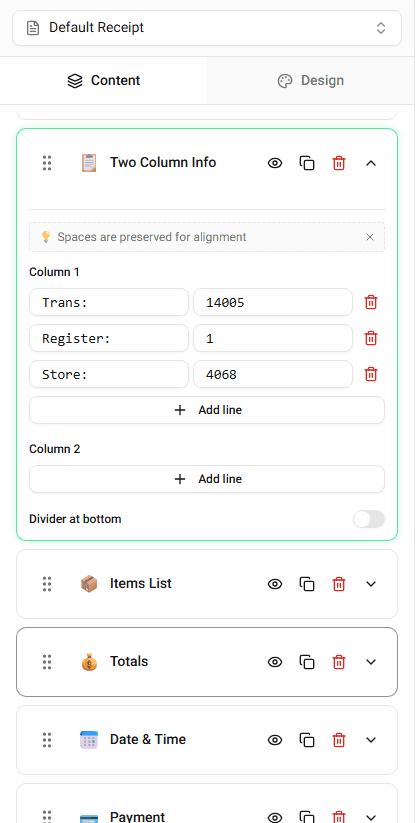
Receipt Maker allows you to display an order number on the receipt.
Where Order Numbers Appear
Order numbers typically appear in the transaction information section.
They may appear alongside:
- receipt number
- transaction ID
- terminal information
Editing the Order Number
To update the order number:
-
Locate the Order Number field in the builder.
-
Enter the value you want displayed.
The receipt preview will update immediately.
When Order Numbers Are Used
Order numbers are commonly used when:
- tracking online purchases
- identifying delivery orders
- referencing transaction records
Summary
The order number identifies a specific purchase order. You can edit the order number field directly in the builder.
Last updated on