The store address identifies the location of the business that issued the receipt.
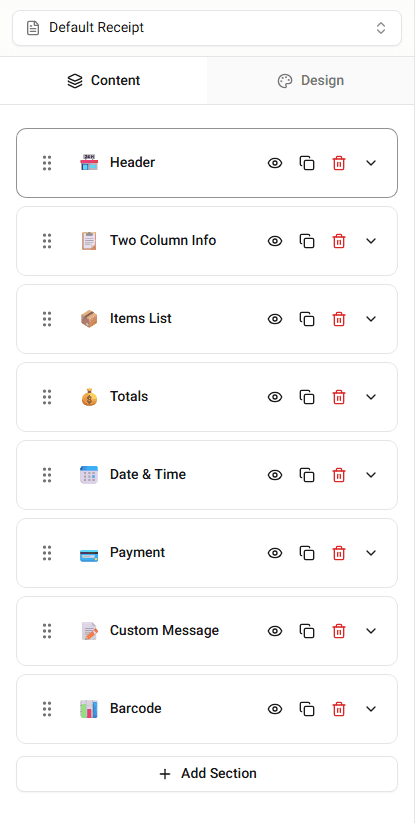
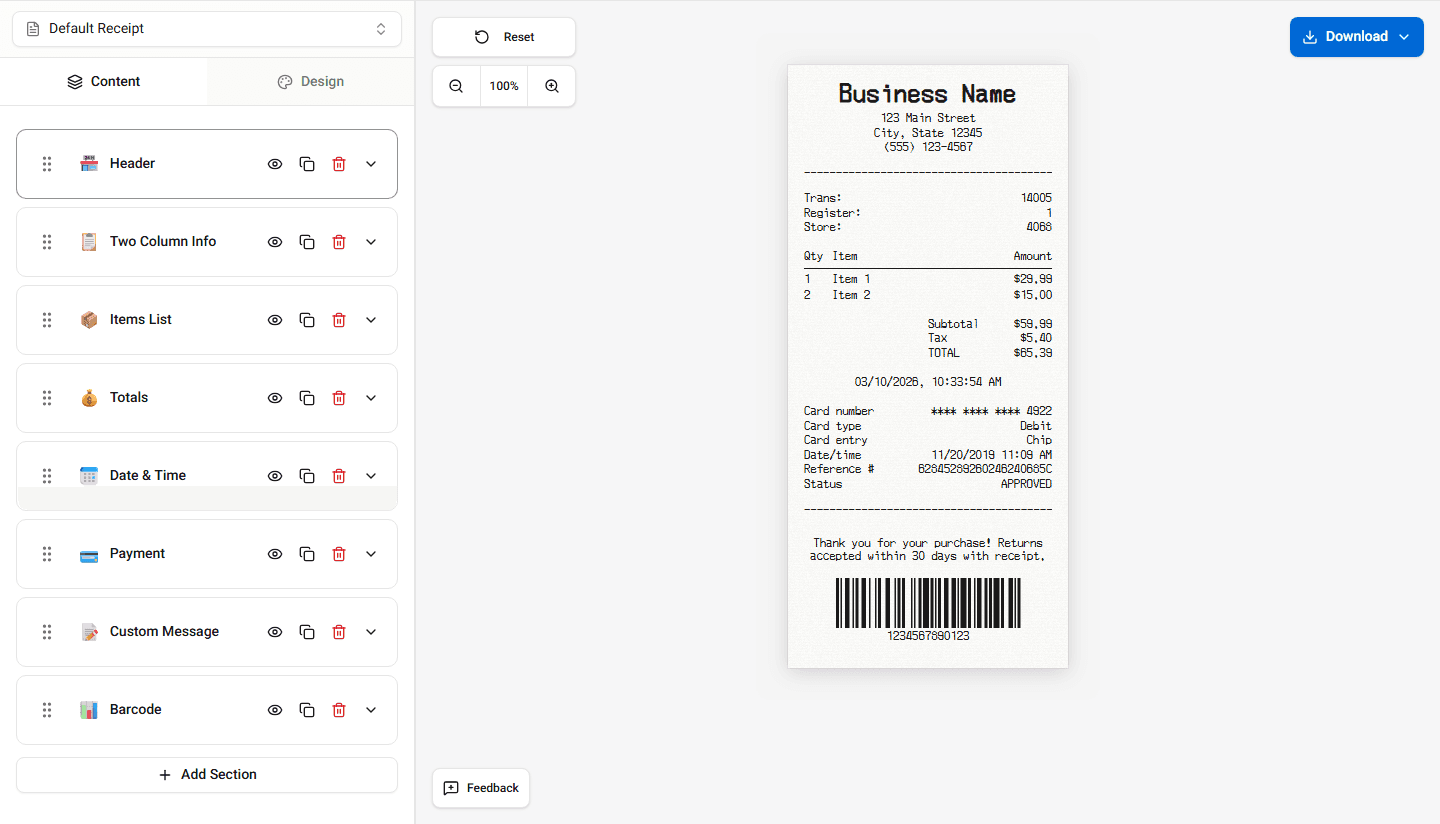
This information appears in the receipt header below the store name.
Address Fields
Typical address fields include:
- street address
- city
- state
- postal code
These fields appear together in the header section.
Editing the Address
To update the store address:
-
Open the Header section in the builder.
-
Locate the address fields.
-
Enter the updated information.
The receipt preview updates instantly.
Formatting the Address
Some templates format the address automatically.
For example:
Street Address
City, State ZIP
The formatting may vary depending on the template.
Summary
The store address identifies the location of the business. You can edit the address fields in the header section of the builder.
Last updated on