Some receipts include additional charges such as service fees or tips. You can add these as extra rows in the totals section.
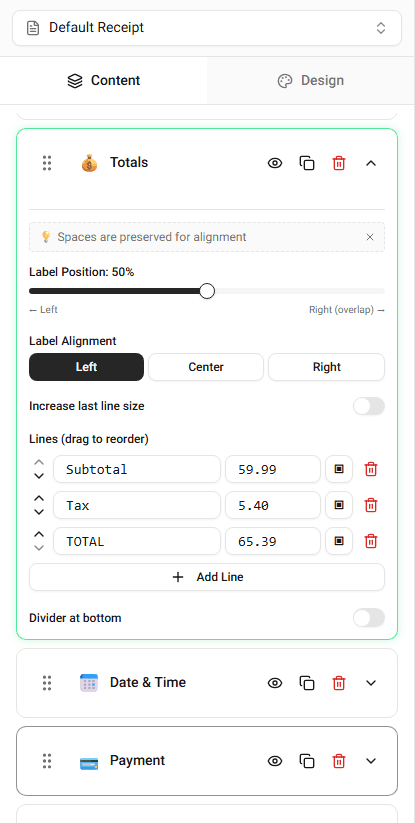
These rows appear above the final total.
Common Types of Fees
Examples include:
- service fee
- delivery fee
- convenience fee
- tip
Each fee appears as a separate line in the totals section.
Adding a Fee
To add an additional charge:
-
Open the Totals section.
-
Add a new row.
-
Enter the label for the fee.
-
Enter the amount.
The receipt preview will update immediately.
Editing Fees
You can change the fee label or amount at any time.
Simply edit the value in the totals section.
Summary
Service fees and additional charges can be added in the totals section. Each fee appears as a separate line above the final total.
Last updated on