Receipt Maker allows you to adjust the visual appearance of the receipt.
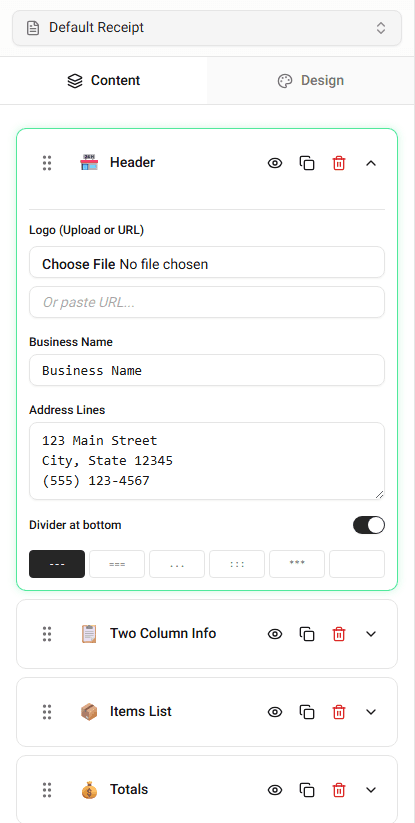
These settings help control how the receipt looks when exported or printed.
Appearance Options
Depending on the template, you may be able to change:
- receipt width
- spacing between sections
- fonts
- alignment of text
These options affect the layout but do not change the receipt data.
Editing Appearance Settings
To modify the appearance:
-
Open the appearance or formatting settings.
-
Adjust the options you want to change.
-
Review the updated layout in the preview.
The receipt preview will update instantly.
Why Appearance Matters
Changing appearance settings can help:
- match a specific receipt style
- improve readability
- adjust the layout for printing
Summary
Appearance settings control how the receipt looks. You can adjust layout and formatting while keeping the receipt data the same.
Last updated on