Receipt Maker allows you to change the receipt template at any time while editing. Templates control the visual layout and formatting of the receipt.
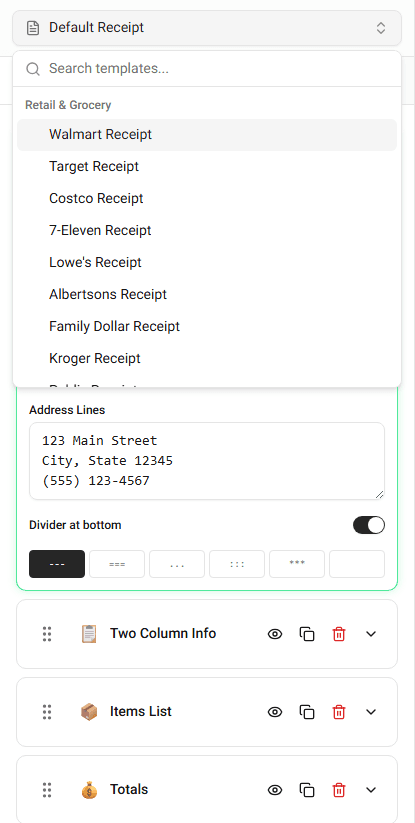
Different templates may resemble receipts from specific stores or industries.
What Templates Control
A template defines how information appears on the receipt.
This includes:
- header layout
- item formatting
- column alignment
- spacing
- receipt width
- totals formatting
Changing the template does not remove the data you already entered. It only changes how the receipt is displayed.
Switching Templates
To change the template:
-
Open the template selector at the top of the builder.
-
Browse the available templates.
-
Click the template you want to use.
The receipt preview will immediately update to the new layout.
When to Change Templates
You may want to switch templates when:
- creating a receipt for a specific store style
- changing the visual format of the receipt
- testing different layouts before exporting
Because the builder keeps your receipt data, you can experiment with templates without losing information.
Summary
Templates control the layout and formatting of the receipt. You can switch templates at any time, and the receipt preview will update instantly.