Most receipts display purchased items in a structured column layout. These columns make the receipt easy to read and allow totals to be calculated clearly.
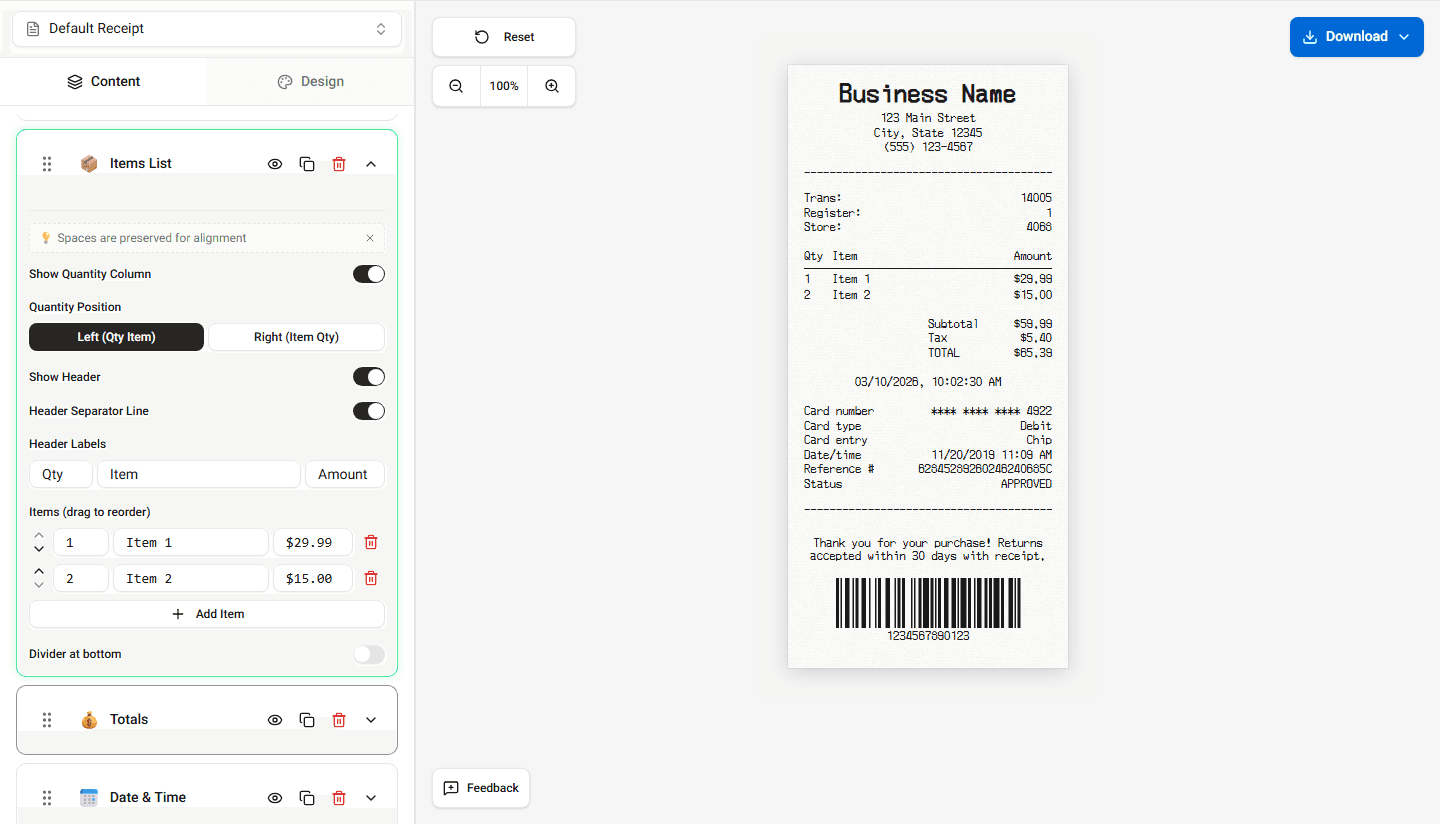
Receipt Maker organizes items into columns similar to those used in real POS receipts.
Typical Item Columns
Item rows usually include several columns.
Common columns include:
- item name
- quantity
- price
- item total
Each column contains specific information about the purchase.
How Columns Are Aligned
Receipts often use fixed column alignment to keep numbers easy to read.
For example:
- item names appear on the left
- prices appear on the right
- totals are aligned vertically
This layout helps maintain readability, especially on narrow receipts.
Why Column Layout Matters
Column formatting helps:
- organize item information clearly
- keep numbers aligned
- improve readability on narrow receipts
This formatting is commonly used in thermal receipt printers.
Summary
Receipt items are displayed in structured columns to improve readability and alignment. Receipt Maker follows the same column layout used in POS receipts.