Each item on a receipt includes an item total. This value represents the total price for that item based on its quantity and unit price.
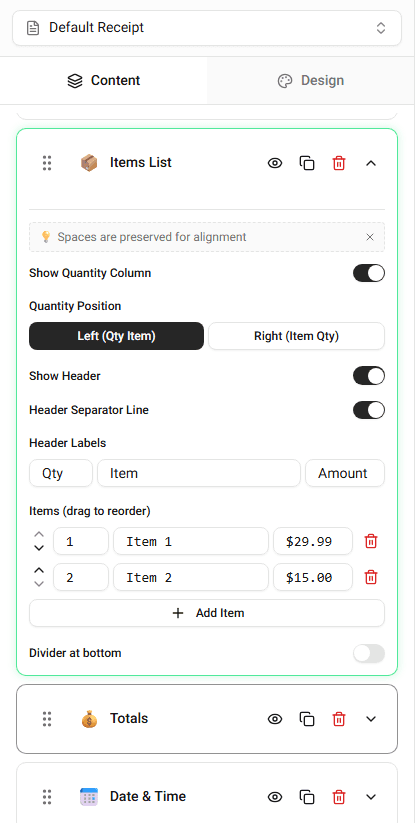
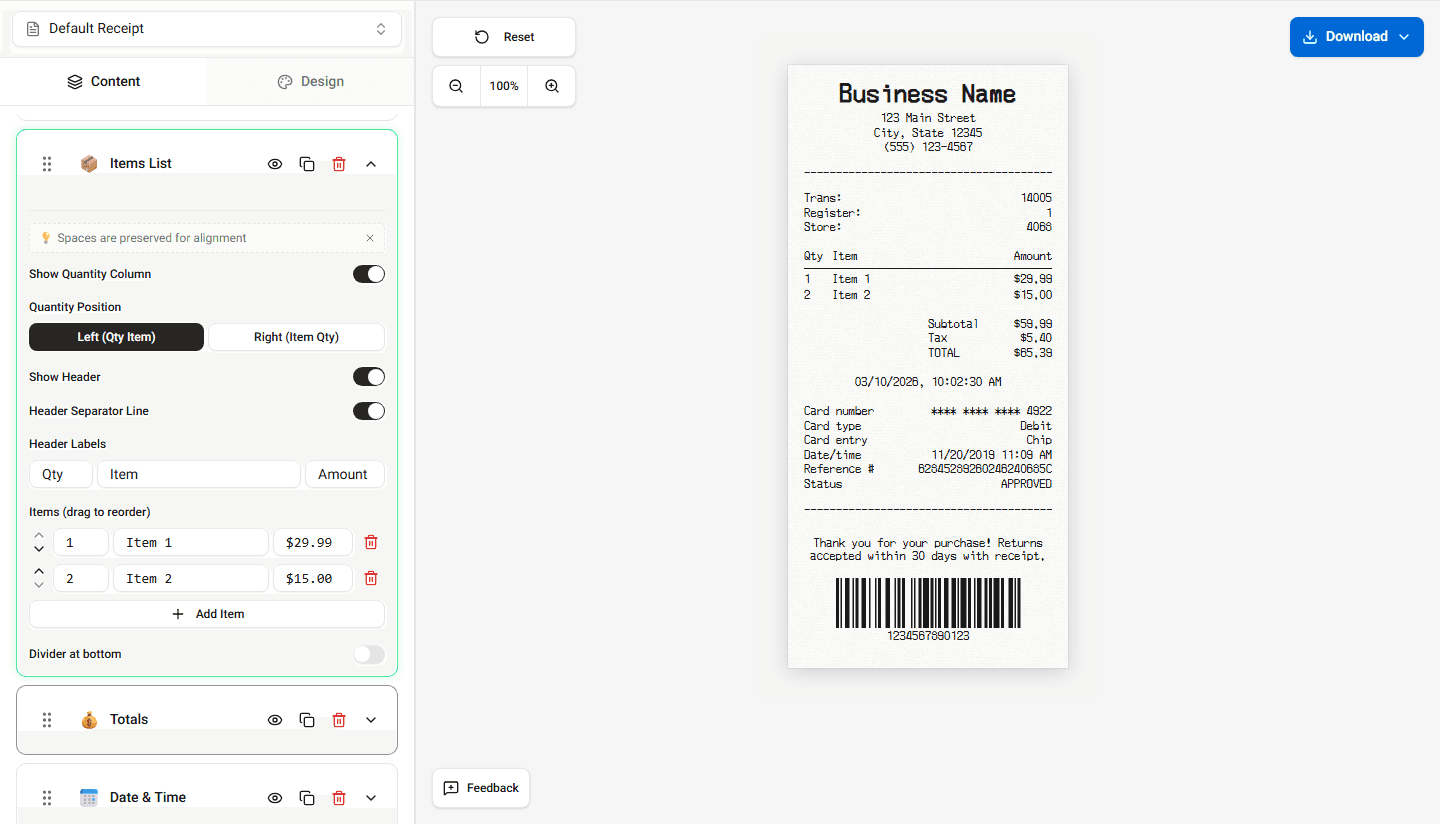
Item totals are displayed in the items list section of the receipt.
How Item Totals Work
Item totals are typically calculated using:
Quantity × Unit Price
Example:
Item price - $5.00
Quantity - 2
Item total - $10.00
Where Item Totals Appear
Item totals usually appear on the right side of the item row.
Typical item row layout:
Item Name - Quantity - Price - Total
This alignment keeps numbers easy to read.
Editing Item Totals
If necessary, you can adjust item totals directly in the item row.
Updating the item price or quantity may also affect the total shown.
Summary
Item totals represent the total cost of each individual item. They appear in the item row and contribute to the subtotal.
Last updated on