Some receipts include a transaction ID. This identifier helps payment systems track a specific purchase.
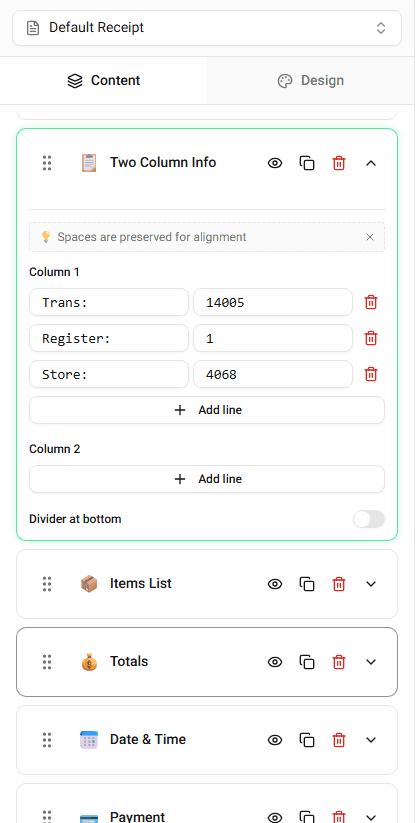
Receipt Maker allows you to display and edit the transaction ID.
Where Transaction ID Appears
Transaction IDs usually appear in the transaction details section.
They may appear near:
- receipt number
- order number
- terminal information
Editing the Transaction ID
To update the transaction ID:
-
Locate the Transaction ID field.
-
Enter the value you want displayed.
The receipt preview updates immediately.
Why Transaction IDs Are Used
Transaction IDs help identify individual payments.
They are often used for:
- payment verification
- refund processing
- transaction tracking
Summary
The transaction ID helps identify a specific purchase. You can edit the transaction ID directly in the builder.
Last updated on