Many receipts include information about the register or terminal where the purchase was processed.
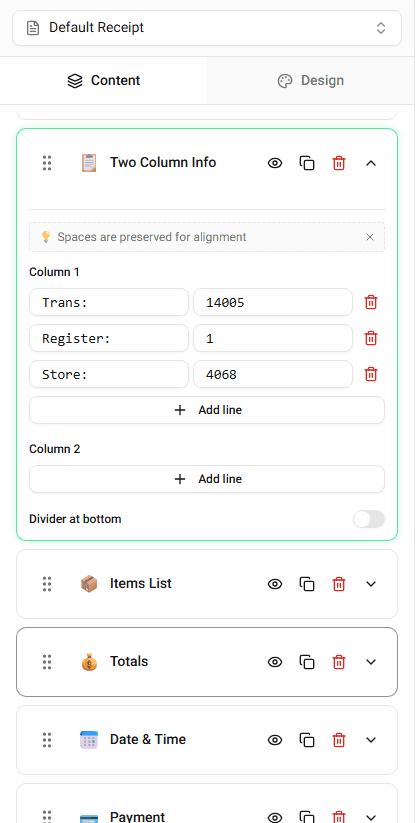
This information appears in the transaction details section.
What Terminal Information Includes
Typical terminal fields include:
- terminal number
- register number
- lane number
- POS identifier
These values help identify where the transaction occurred.
Editing Terminal Information
To edit terminal details:
-
Locate the Terminal or Register field.
-
Enter the value you want displayed.
The receipt preview will update immediately.
Why Terminal Information Appears on Receipts
Retail systems include terminal information to help track transactions.
This information can be useful for:
- store record keeping
- troubleshooting transactions
- identifying purchase locations
Summary
Terminal information identifies the register or POS terminal used for the transaction. You can edit this field in the transaction details section.
Last updated on