Many receipts display a store phone number in the header. This number allows customers to contact the store regarding purchases, returns, or questions.
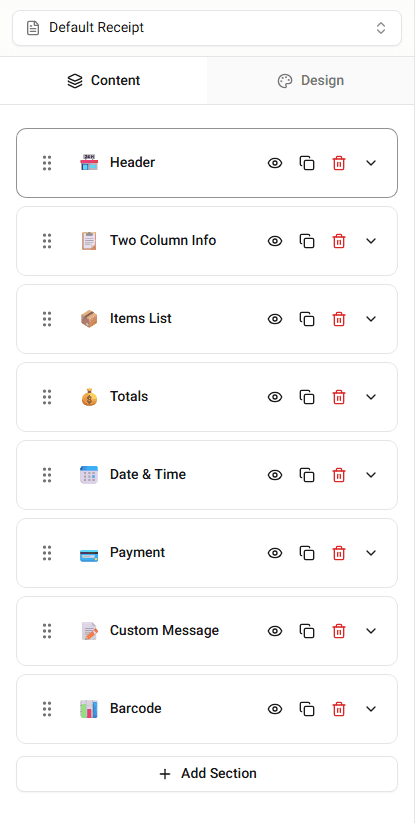
In Receipt Maker, the phone number can be edited directly in the Header section.
Where the Phone Number Appears
The store phone number usually appears below the store address in the receipt header.
The layout depends on the template, but it is typically placed near:
- store name
- store address
- store website
Editing the Phone Number
To change the phone number:
-
Open the Header section in the builder.
-
Locate the Phone Number field.
-
Enter the phone number you want displayed.
The receipt preview will update immediately.
Phone Number Formatting
Phone numbers may appear in different formats.
Examples include:
- (555) 123-4567
- 555-123-4567
- +1 555 123 4567
The format depends on the template and how the number is entered.
Summary
The store phone number appears in the receipt header. You can edit the phone number field in the Header section of the builder.